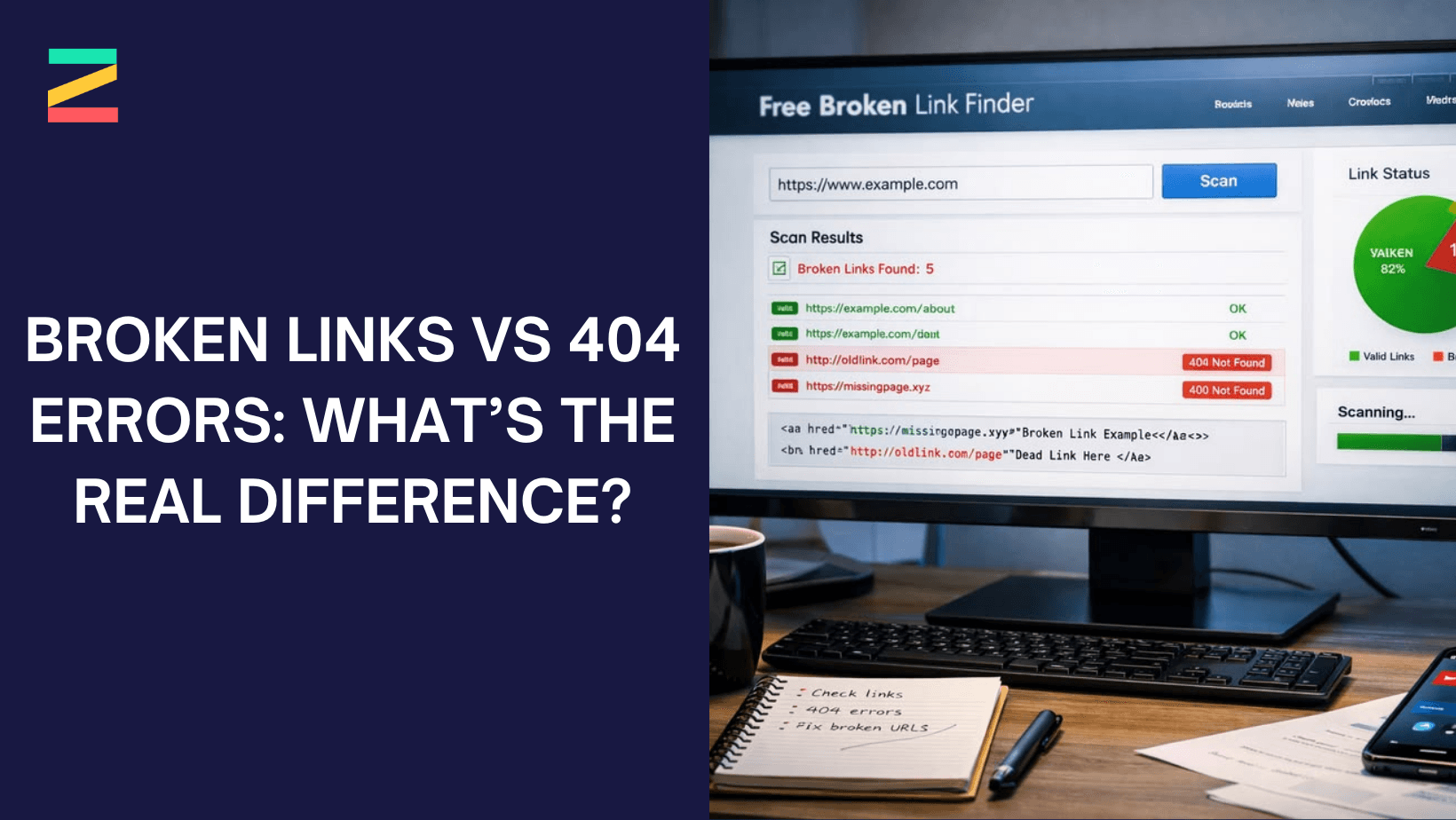
If you’ve ever clicked a link and landed on a page that says “404 – Page Not Found”, you’ve already experienced one of the most common website issues.
But here’s where many people get confused:
Are broken links and 404 errors the same thing?
The short answer: No.
They are closely related, but they are not the same, and understanding the difference is important for SEO, user experience, and website health.
Let’s break it down clearly.
What Is a Broken Link?
A broken link is any hyperlink that does not lead to its intended destination.
This can happen when:
A page has been deleted
The URL structure was changed
The domain name expired
There is a typo in the link
The linked page was moved without a redirect
Broken links can be:
Internal (links within your own website)
External (links pointing to another website)
From a user’s point of view, a broken link feels like:
“I clicked something… and it didn’t work.”
What Is a 404 Error?
A 404 error is a server response code that means
“The page you’re looking for does not exist.”
In simple terms:
The browser successfully connects to the server
But the server cannot find the requested page
So when a broken link points to a missing page, the server responds with a 404 error.
The Real Difference: Broken Links vs 404 Errors
Here’s the simplest way to understand it:
Broken Link | 404 Error |
The problem | The response |
A link that doesn’t work | A message shown when a page is missing |
Can point to many types of errors | Specifically means “page not found” |
Exists in content or navigation | Generated by the server |
Broken link = cause
404 error = result
Not every broken link shows a 404 (it could show 403, 500, or timeout), but many broken links lead to 404 errors.
Why Broken Links and 404 Errors Matter for SEO
Search engines like Google care deeply about user experience.
When your site has too many broken links or unresolved 404 pages:
Crawlers waste crawl budget
Important pages may not get indexed
Internal link flow gets disrupted
Rankings and trust can drop over time
While Google doesn’t penalize a site for a few 404 pages, ignoring them at scale can hurt overall site quality.
How Broken Links Affect User Experience
From a visitor’s perspective:
Broken links feel unprofessional
Users lose trust in the brand
Navigation becomes frustrating
Bounce rates increase
Imagine a user clicking “Contact Us” or “Buy Now” and seeing a 404 page; that’s a lost lead or sale.
Common Reasons Broken Links and 404 Errors Occur
Website redesign without redirects
Changing URLs for SEO without planning
Deleting old blog posts or product pages
Copy-paste errors in content
External websites removing pages you linked to
These issues often happen silently unless monitored regularly.
How to Find Broken Links and 404 Errors
Some of the most effective ways include:
Google Search Console (Coverage & Pages report)
SEO tools like Screaming Frog, Ahrefs, or SEMrush
Website crawlers
Manual testing of key pages
Regular monitoring is a key part of technical SEO maintenance.
How to Fix Broken Links and 404 Errors (The Right Way)
1. Use 301 Redirects
If a page was moved or replaced, redirect the old URL to the most relevant new page.
2. Update or Remove Broken Links
Fix incorrect URLs or remove links that no longer make sense.
3. Restore Important Pages
If a high-traffic page was deleted by mistake, recreating it may be the best solution.
4. Create a Smart 404 Page
A custom 404 page should:
Guide users back to main pages
Include search or navigation links
Match your brand tone
This reduces bounce rate and improves user experience.
Are 404 Errors Always Bad?
Not always.
A clean 404 is better than:
Redirecting everything to the homepage
Showing irrelevant content
Creating “soft 404s”
The key is intentional management, not ignoring them.
Broken Links, 404 Errors, and Ongoing SEO Health
Think of broken links and 404 errors like cracks in a building:
One or two won’t collapse it
But ignoring them over time weakens the structure
That’s why professional SEO includes:
Regular site audits
Link monitoring
Technical fixes
Ongoing optimization
Final Thoughts
Broken links and 404 errors may sound technical, but they directly impact:
User trust
Website credibility
Search engine performance
Understanding the difference helps you fix the right problem the right way, instead of applying temporary or harmful solutions.
A well-maintained website isn’t just about design or content; it’s about smooth, error-free experiences.
Struggling with broken links or 404 errors on your website?
Let Ztrategize audit, fix, and optimize your site to ensure better SEO performance and a smooth user experience.


